

Studies show that even a one-second delay in page load time can reduce ecommerce conversions, especially on mobile devices, where users expect fast browsing experiences. If your Shopify store feels slow, your images may be one of the biggest reasons behind the problem.
Many store owners believe that converting images to WebP format is enough to improve performance, but real Shopify image optimization goes much further than that.
While Shopify WebP optimization helps reduce file sizes, it does not solve issues like oversized image dimensions, poor mobile delivery, slow-loading banners, or missing lazy loading. These factors still affect Shopify image performance, user experience, and even Shopify SEO rankings.
To improve Shopify page speed optimization, you need a complete image optimization strategy that focuses on both speed and usability. This includes proper image sizing, responsive image delivery, balanced compression, and mobile optimization.
In this guide, you will learn why WebP alone is not enough and how to optimize images for Shopify in a way that improves performance, visibility, and conversions.
Why Shopify Stores Need Image Optimization
Images are one of the most important parts of any ecommerce store because they help customers understand products visually. However, they are also one of the largest contributors to slow loading times.
When images are not optimized properly, your Shopify store may take longer to load, especially on mobile devices. This directly affects user experience because visitors are less likely to wait for slow pages to open.
Poor image performance can create several problems:
- Higher bounce rates.
- Lower conversion rates.
- Slower product page loading.
- Reduced mobile engagement.
- Poor Shopify Core Web Vitals scores.
Image optimization also affects Shopify SEO. Search engines consider page speed and user experience when evaluating rankings. Slow-loading pages may struggle to perform well in search results, even if the content is strong.
This is why proper Shopify image optimization is not only about speed. It is also about improving visibility, user experience, and conversions.
What Is WebP and Why It Is Popular
WebP is a modern image format designed to reduce file size while maintaining good image quality. Compared to older image formats like JPEG and PNG, WebP images are usually smaller and load much faster. This is one of the main reasons why Shopify WebP optimization has become popular among ecommerce businesses trying to improve Shopify website speed and overall performance.
The main advantages of WebP include:
- Smaller image file sizes.
- Faster image loading speed.
- Better compression efficiency.
- Improved mobile browsing performance.
Because of these benefits, many Shopify store owners assume that simply converting all images to WebP will fully solve their speed and performance issues. However, WebP only improves one part of Shopify image optimization. Even compressed WebP images can still slow down your store if factors like image dimensions, lazy loading, responsive delivery, and mobile optimization are ignored.
This is why improving Shopify image performance requires a broader and more complete optimization strategy instead of relying only on WebP images.
Why WebP Alone Is Not Enough for Shopify Performance
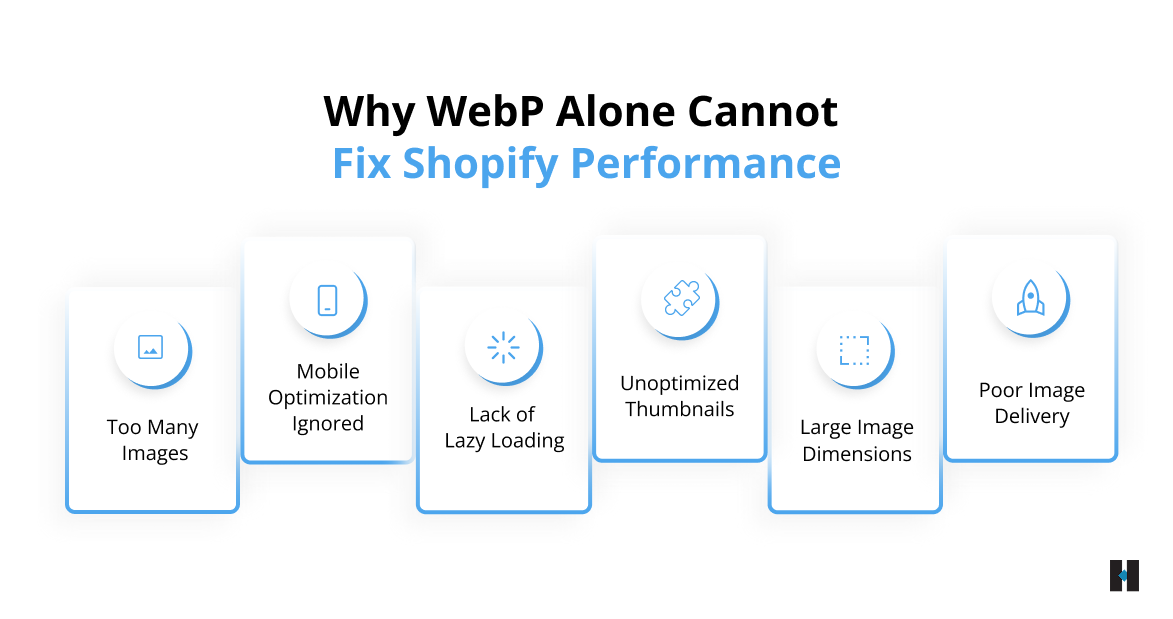
Many Shopify store owners believe that switching to WebP images is enough to improve website speed and performance. While Shopify WebP optimization does help reduce file sizes, it does not solve every issue affecting Shopify image performance. Several other factors also impact loading speed, user experience, and Shopify page speed optimization.
- Large Image Dimensions Still Slow Down Pages
Even when you use WebP images, oversized dimensions can still slow down your Shopify store. Uploading a 4000-pixel-wide image when only 800 pixels are needed increases page weight and loading time unnecessarily. This remains one of the most common Shopify image optimization mistakes.
- Poor Image Delivery Affects Loading Speed
Images also need to be delivered efficiently across different devices and internet conditions. Without responsive image delivery and proper CDN support, even optimized images may load slowly for users.
- Lack of Lazy Loading Increases Page Load Time
If all images load immediately when a page opens, users may experience slower rendering and delayed browsing. Shopify lazy loading improves performance by loading images only when users scroll near them. Without this, pages containing multiple products or banners can become unnecessarily heavy.
- Unoptimized Thumbnails and Banners Create Hidden Problems
Many stores optimize only product images while ignoring collection thumbnails, homepage banners, and app-generated visuals. These images often add significant weight to Shopify pages.
- Too Many Images Impact Performance
Using too many images on a single page can also reduce Shopify website speed, even if individual images are compressed properly.
- Mobile Image Optimization Is Often Ignored
Mobile users now represent a major portion of ecommerce traffic. If your images are not optimized for smaller screens, loading speed and user experience can suffer significantly. This is why Shopify mobile optimization should always be part of your overall image optimization strategy.
Mistakes That Affect Shopify Image Performance
Many Shopify stores continue facing speed and performance issues because of avoidable Shopify image optimization mistakes. Even when store owners focus on Shopify WebP optimization, other overlooked problems can still affect loading speed, user experience, and Shopify SEO performance.
- Uploading Oversized Images: Large image files increase the total page size and slow down the Shopify website speed unnecessarily, especially on mobile devices.
- Using the Same Image Size Everywhere: Different sections of your Shopify store require different image dimensions. Using one large image size across all placements wastes bandwidth and affects performance.
- Ignoring Responsive Images: Responsive images automatically adjust according to screen size. Without them, mobile users may end up downloading larger image files than necessary.
- Over-Compressing Images: Excessive image compression can reduce visual quality and negatively impact customer trust and user experience.
- Ignoring Collection Page Optimization: Collection pages often contain many product images. If these images are not optimized properly, browsing performance can slow down significantly.
- Forgetting About App-Generated Images: Third-party Shopify apps may generate additional images or scripts that quietly affect Shopify image performance without being noticed.
Avoiding these mistakes helps create a faster, smoother, and more stable shopping experience for your users.
Key Elements of a Complete Shopify Image Optimization Strategy
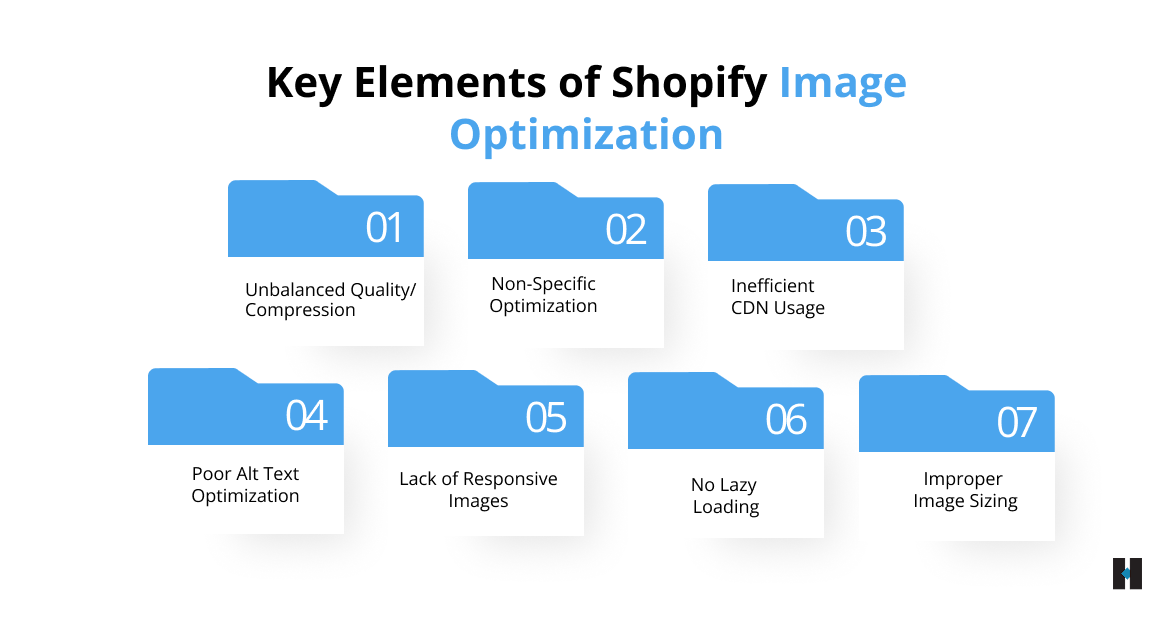
To fully optimize images for Shopify, you need a complete strategy that focuses on both website performance and user experience. Shopify image optimization is not only about reducing file sizes. It also involves improving image delivery, mobile usability, loading speed, and Shopify SEO performance together.
- Proper Image Sizing
Images should always match the actual display dimensions required by your Shopify theme. Uploading unnecessarily large images increases page weight and slows down loading speed.
- Responsive Images for Different Devices
Responsive image delivery ensures users receive properly sized images based on their screen size and device resolution. This improves both mobile performance and browsing efficiency.
- Lazy Loading Implementation
Shopify lazy loading helps improve perceived speed by reducing the number of images loaded when the page first opens. This creates a smoother browsing experience for users.
- CDN and Image Delivery Optimization
A content delivery network helps distribute images efficiently across different locations, improving Shopify image loading speed for users worldwide.
- Alt Text Optimization for SEO
Alt text improves accessibility and helps search engines understand image content more clearly. This supports a stronger Shopify image SEO performance.
- Balancing Quality and Compression
The goal of Shopify image compression is not only to achieve smaller file sizes. Images should still remain visually clear while maintaining fast loading performance.
- Optimizing Different Image Types Separately
Product images, banners, collection thumbnails, and lifestyle visuals should all be optimized differently depending on their purpose and placement.
When all these elements work together, Shopify image performance improves far more effectively than relying only on Shopify WebP optimization.
If you are finding it difficult to identify what is slowing down your Shopify store, you can connect with the experts at tecHindustan. We help businesses build complete image optimization strategies that improve website speed, user experience, SEO performance, and overall conversions.
How Image Optimization Improves SEO and Sales
Shopify image optimization directly affects both search visibility and customer behavior. When images load quickly, users can browse products smoothly without delays, which improves user experience and reduces bounce rates. Faster browsing also encourages users to explore more pages and spend more time on your Shopify store.
Optimized images help improve Shopify Core Web Vitals, which are important performance signals used by search engines to evaluate website quality and speed. Better Shopify image SEO can improve visibility in both search results and image searches.
Image optimization also plays a major role in conversions. When pages load faster, users are more likely to continue shopping and complete purchases. Slow-loading images often create frustration and increase the chances of visitors leaving before converting.
Mobile optimization is especially important because mobile shoppers expect fast browsing experiences. This is why ecommerce image optimization should be treated as both a technical improvement and a strategy for improving business performance and conversions.
How to Identify Image Performance Problems in Shopify
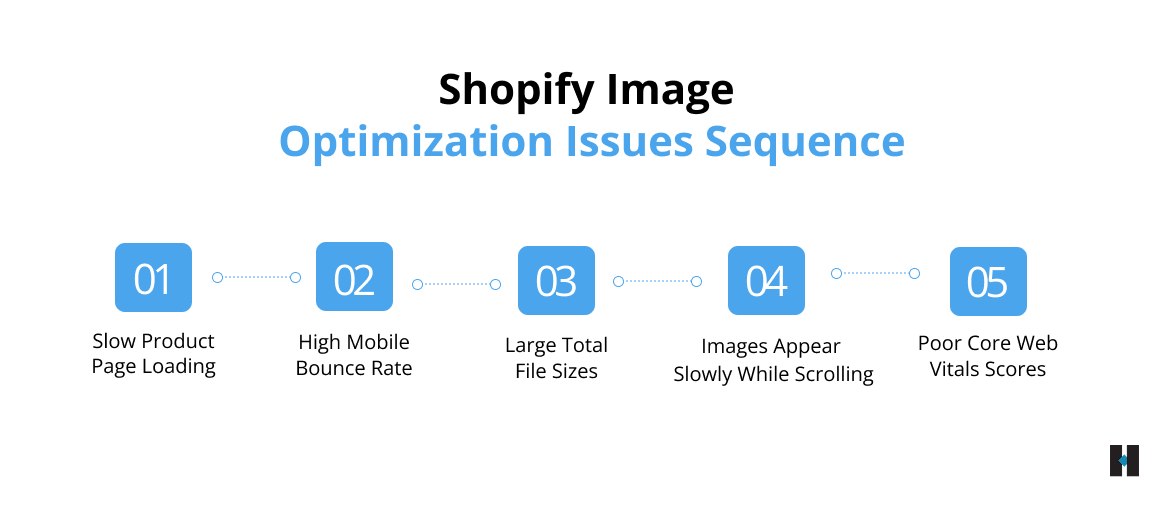
Many Shopify store owners struggle to understand whether images are actually causing performance issues on their website. However, there are several common signs that usually indicate poor Shopify image optimization and slow image delivery.
- If your product pages take too long to display images and visuals, it often means your image files are too large or not optimized properly.
- A high bounce rate on mobile devices can indicate image-related loading problems or a poor mobile browsing experience.
- If your pages have extremely large total file sizes, unoptimized images are usually one of the biggest reasons behind the issue.
- When images appear slowly while users scroll through the page, it may signal problems with lazy loading or image delivery optimization.
- Poor Shopify Core Web Vitals scores often point toward slow image rendering and overall performance issues affecting page speed.
Regularly monitoring these signals helps you identify Shopify image performance problems early before they start affecting your SEO rankings, user experience, and conversions significantly.
Best Practices for Long-Term Shopify Image Optimization
Shopify image optimization should not be treated as a one-time process. To maintain fast loading speed and stable Shopify image performance, you need regular monitoring and continuous improvements as your store grows.
Some important long-term Shopify image optimization practices include:
- Regularly auditing image performance and page speed.
- Optimizing all newly uploaded images consistently.
- Testing the Shopify website speed on both desktop and mobile devices.
- Reviewing performance after theme updates or app installations.
- Maintaining a proper balance between image quality and compression.
- Monitoring Shopify Core Web Vitals regularly.
- Optimizing collection pages as carefully as product pages.
Following a consistent optimization process helps maintain better Shopify page speed, user experience, SEO performance, and long-term store stability.
How tecHindustan Helps Businesses Improve Shopify Image Performance
As ecommerce standards continue evolving, Shopify image optimization is becoming more important for improving website speed, SEO performance, and user experience. Businesses now need more advanced optimization strategies that focus on mobile performance, responsive image delivery, and faster browsing experiences across all devices.
- Complete Shopify Image Optimization Strategy
At tecHindustan, we help businesses build complete Shopify image optimization strategies instead of relying only on Shopify WebP optimization. Our approach focuses on improving image delivery, loading speed, and overall Shopify image performance.
- Mobile and Responsive Image Optimization
We optimize images for different screen sizes and devices to improve mobile browsing experiences. This helps businesses maintain faster Shopify website speed and better usability across desktop and mobile platforms.
- Improving Core Web Vitals and SEO Performance
Our team helps identify image-related performance issues that affect Shopify Core Web Vitals, page speed, and Shopify SEO rankings. We optimize product images, banners, collection pages, and app-generated visuals to improve overall performance.
- Long-Term Performance Monitoring and Improvements
We also help businesses maintain long-term optimization through regular performance audits, speed analysis, and continuous improvements. This helps create faster ecommerce experiences that support better engagement, improved visibility, and higher conversions over time.
Conclusion
WebP is an important part of Shopify image optimization, but it is not enough to improve performance on its own. Real Shopify website speed improvement comes from combining proper image sizing, responsive delivery, lazy loading, balanced compression, and mobile optimization into one complete strategy.
If your Shopify store still feels slow after switching to WebP images, the issue may involve deeper image performance problems affecting user experience, Shopify SEO, and Core Web Vitals. A well-optimized image strategy helps improve loading speed, browsing experience, engagement, and conversions together.
If you are struggling with slow Shopify image performance or poor page speed optimization, you can get in touch with the highly experienced professionals at tecHindustan. We help businesses identify hidden performance issues, optimize Shopify image delivery, improve Core Web Vitals, and build faster ecommerce experiences that support better visibility, smoother user experience, and higher conversions.
FAQs
