

Every great online store begins with the same spark. You add a few products, share your links, and feel the thrill of those first few sales. It is exciting to see your idea come to life and your efforts turn into real orders and happy customers.
But as your business grows, that excitement often brings new challenges. Pages take longer to load, checkout starts to feel slower, and sudden traffic from a campaign or sale begins to test your store’s limits. What once felt simple now needs a stronger setup to keep up.
Many WooCommerce stores reach this stage sooner than expected because they are built to start, not to scale. That is where scalability becomes essential.
A scalable WooCommerce store grows with you. It stays fast, stable, and reliable whether you are handling a few daily orders or hundreds. It can manage traffic surges, large product catalogs, and heavier workloads without affecting performance.
In this guide, you will learn how to build a WooCommerce store on WordPress that is ready for long-term growth. A store that performs beautifully today and continues to scale smoothly as your business expands.
What Scalability Really Means for WooCommerce
WooCommerce scalability is not only about handling more traffic. It is about building a system that grows without breaking.
WooCommerce, built on WordPress, offers incredible flexibility through plugins, themes, and integrations. But flexibility alone does not guarantee performance.
Think of your store as a building. A single-story house does not need much reinforcement. But if you plan to add more floors later, you must build a stronger foundation. A scalable WooCommerce store works the same way. When your hosting, structure, and database are designed to grow, you can scale easily without rebuilding everything.
Pro tip: Build like you plan to grow from day one. It is easier to expand an efficient system than to fix a slow one later.
Start with the Right Foundation: Hosting and Setup
Your hosting choice is the foundation of your WooCommerce store’s scalability. You can have a beautifully designed store, optimized product pages, and engaging content, but if your server struggles to handle traffic or processing, your performance will drop, and customers will feel it.
A good hosting setup ensures that your store runs smoothly even when things get busy. It affects everything from page load speed and checkout reliability to your search engine rankings and overall user experience.
- Managed WordPress Hosting
For most growing stores, managed WordPress hosting is the ideal place to start. Providers like Kinsta, WP Engine, and SiteGround Cloud specialize in WordPress environments, so they are already optimized for performance and security.
These platforms handle key technical tasks such as server management, caching, automatic backups, and updates. That means you can focus on running your business instead of troubleshooting technical issues.
Managed hosting is also built to handle traffic spikes. Whether you launch a new product or run a flash sale, your store stays fast and responsive because the infrastructure automatically scales to meet demand.
- Cloud Hosting for Maximum Flexibility
If your team has technical expertise or you are planning for advanced growth, cloud hosting offers unmatched control and scalability.
Services like AWS, Google Cloud, and DigitalOcean allow you to customize every aspect of your server environment. You can add or remove resources instantly, upgrade storage or memory, and fine-tune your configuration as your traffic grows.
While cloud hosting offers greater flexibility, it does require some technical knowledge to set up and maintain. For rapidly growing businesses or those expecting heavy seasonal traffic, this option provides the freedom to scale on demand without limits.
What to Look For in a Hosting Provider
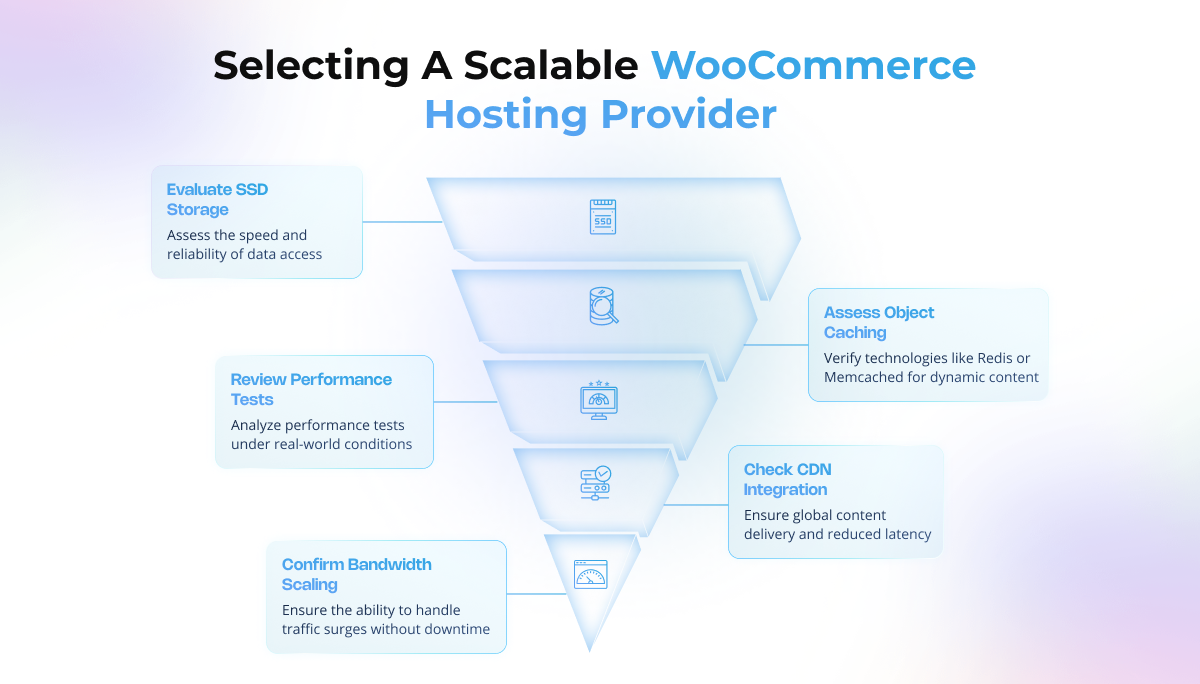
No matter which route you choose, a scalable WooCommerce hosting provider should include:
- SSD storage for faster and more reliable data access
- Built-in CDN (Content Delivery Network) for global content delivery and reduced latency
- Object caching technologies like Redis or Memcached to speed up dynamic content
- Easy bandwidth scaling to handle sudden surges in visitors without downtime
Before committing, take time to review performance tests. Not all hosting plans that perform well with basic WordPress sites can handle the complex queries, heavy product catalogs, and dynamic cart functions that WooCommerce uses.
Pro tip: Choose a hosting provider that specifically tests and supports WooCommerce performance under real-world traffic conditions. This ensures your store stays fast and dependable even during your busiest sales days.
Design for Growth, Not Just Looks
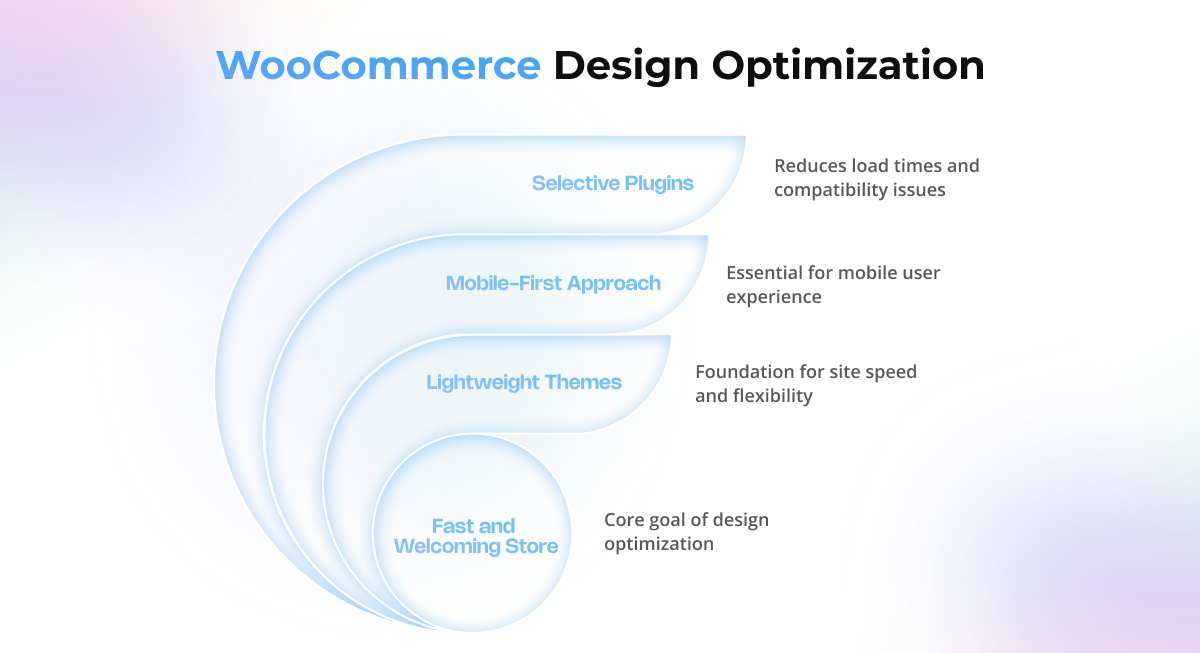
A good-looking store is great, but design should never compromise performance. Every design element, from the theme to the images, affects how fast your site loads.
- Choose Lightweight Themes
Use WooCommerce-optimized themes like Astra, GeneratePress, or Storefront. They are clean, fast, and flexible enough to scale with your brand.
- Think Mobile-First
Over 70 percent of eCommerce traffic comes from mobile devices. A responsive, quick-loading mobile experience is no longer optional.
- Be Selective with Plugins
Avoid bulky all-in-one plugins. Go for specialized tools that perform one function well. Fewer, better plugins mean faster load times and fewer compatibility issues.
Your WooCommerce design is the front door of your store. Make it fast, welcoming, and ready for growth.
Optimise Performance from Day One
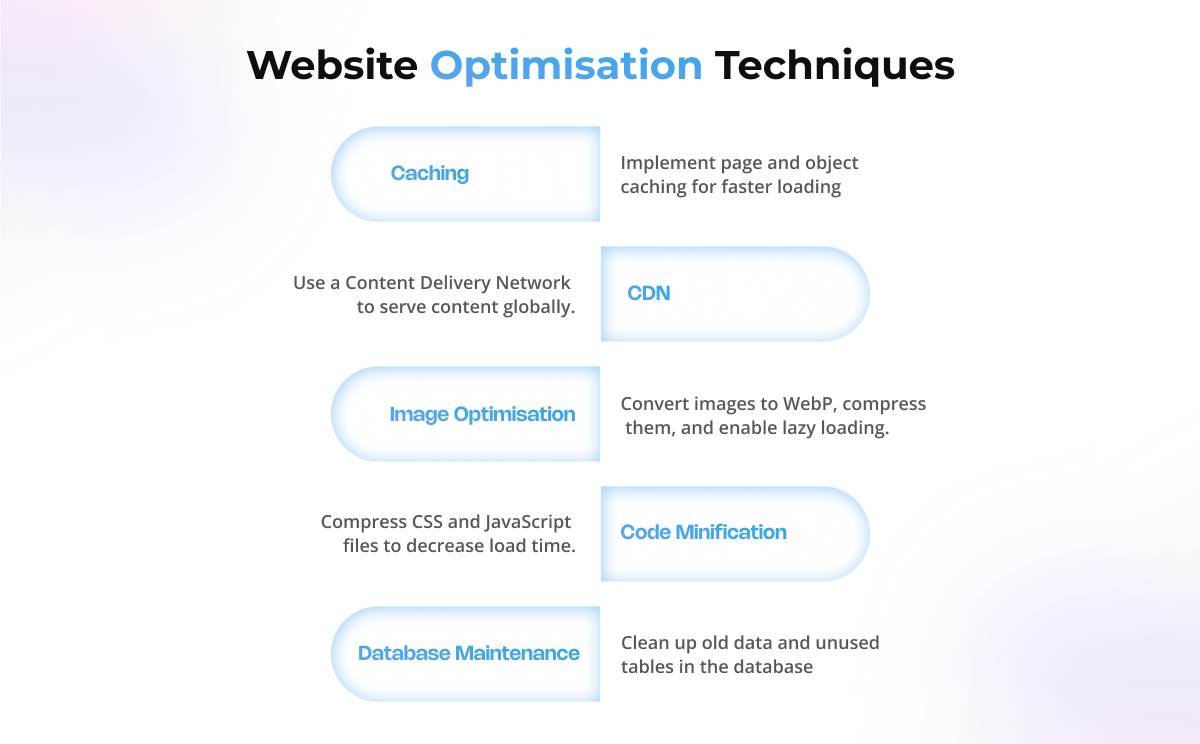
Performance is not something to think about later. Every second counts in eCommerce, and delays can cost you real sales.
Key Optimisations
- Caching: Use page caching (WP Rocket or LiteSpeed Cache) and object caching (Redis or Memcached).
- CDN: Add Cloudflare or BunnyCDN to serve customers worldwide quickly.
- Image optimisation: Convert to WebP, compress with ShortPixel or Smush, and enable lazy loading.
- Code minification: Compress CSS and JavaScript files to reduce load time.
Database maintenance: Clean up old data, transients, and unused tables.
Action step: Run your WooCommerce performance test on PageSpeed Insights or GTmetrix regularly to identify and fix bottlenecks.
Manage Products and Inventory Like a Pro
As your catalog grows, structure becomes vital. A messy setup can slow your store dramatically.
- Organize products into clear categories and subcategories.
- Use product variations wisely. Hundreds of variations under one product can drag performance down. Consider separate listings if needed.
- Integrate your WooCommerce inventory management with ERP or stock tools to keep counts accurate across channels.
A well-structured catalog improves both performance and user experience.
Checkout That Converts at Any Scale
The checkout page is where your visitors become customers. A slow or complicated checkout flow can cause drop-offs and lost revenue.
How to Fix It
- Simplify checkout by reducing fields, enabling guest checkout, or using one-page checkout.
- Use reliable payment gateways like Stripe, Razorpay, or PayPal.
- If you sell internationally, enable multiple currencies and languages.
- Protect your checkout with SSL and PCI DSS compliance to build trust.
Every second saved at checkout directly improves your WooCommerce conversion rate.
Choose Plugins and Extensions with Care
Plugins power WooCommerce, but too many can slow your store or cause conflicts.
Must-Have Plugins
- Performance: WP Rocket, Query Monitor
- Security: Wordfence, iThemes Security
- Analytics: WooCommerce Analytics, Google Analytics 4
If you need unique functionality, consider a custom lightweight plugin instead of stacking multiple heavy ones.
Keep Security and Compliance Strong
As your store grows, it will attract more traffic and more threats. Security is not just a precaution; it is a responsibility.
Protect Your Store
- Use firewalls and malware protection tools.
- Set up regular automatic backups with BlogVault or UpdraftPlus.
- Stay compliant with data protection laws such as GDPR and payment standards like PCI DSS.
A secure WooCommerce setup protects your business reputation and your customers’ trust.
Track, Test, and Monitor Everything
Scaling is an ongoing process. What works today may not work next quarter.
- Load testing: Tools like Loader.io, k6, or JMeter help you simulate high traffic.
- Monitoring: Services like New Relic and GTmetrix track performance in real time.
- KPIs to watch: Conversion rate, checkout speed, server uptime, and cart abandonment.
By monitoring regularly, you can maintain consistent WooCommerce performance as you scale.
Advanced Scaling for Fast-Growing Stores
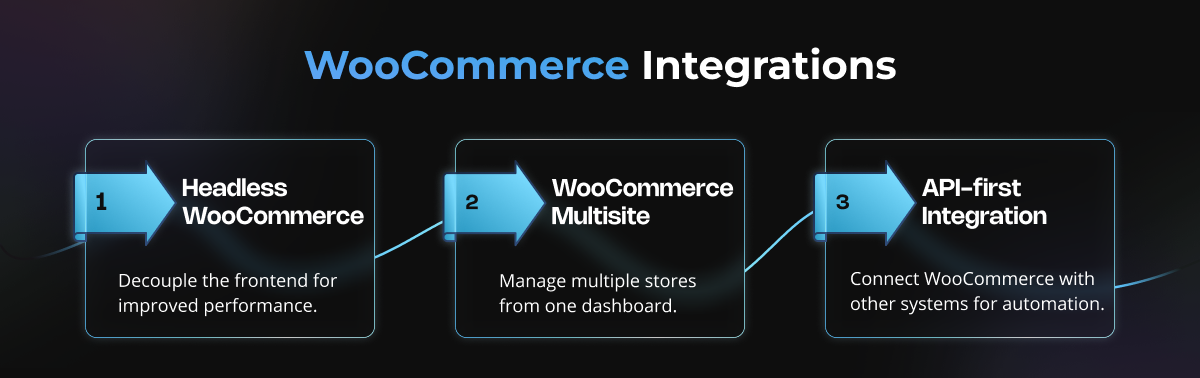
When your store reaches the next level, advanced scaling methods can take it even further.
- Headless WooCommerce: Use WordPress as a backend with React or Next.js for faster, modern frontends.
- WooCommerce Multisite: Manage multiple stores or regions from a single dashboard.
- API-first integration: Connect WooCommerce with ERP, CRM, and logistics systems to automate operations.
These advanced strategies make your WooCommerce store architecture more flexible and future-ready.
A Real Example of Scaling Done Right
A boutique fashion brand started with 50 products on a basic hosting plan. Everything worked fine until their first viral sale. Pages slowed down, checkout failed, and customers left mid-purchase.
They upgraded to cloud hosting, used a lightweight theme, added Redis caching, and optimized their images. After cleaning their database and simplifying checkout, the results were dramatic.
Their load times improved, uptime reached 99.9 percent, and conversions increased by 40 percent during peak season.
That is what smart scalability looks like in action.
Final Take: Plan for Growth Before You Need It
Scalability is not about spending more money; it is about making smarter decisions. Choose solid hosting, optimise for speed, keep your checkout simple, and track performance closely.
WooCommerce can power both startups and enterprise-level stores if it is built with the right foundation.
If you would rather focus on growing your business than worrying about technical details, our team can help.
We specialize in building scalable WooCommerce stores that stay fast, secure, and conversion-focused at every stage of growth.
Ready to scale your WooCommerce store the right way?
Let us talk about your goals and create a performance plan that helps you grow without limits.
Key Takeaway
Scalability is your growth insurance. When your store is built to handle success, it continues to perform at its best even when demand surges.
FAQs
